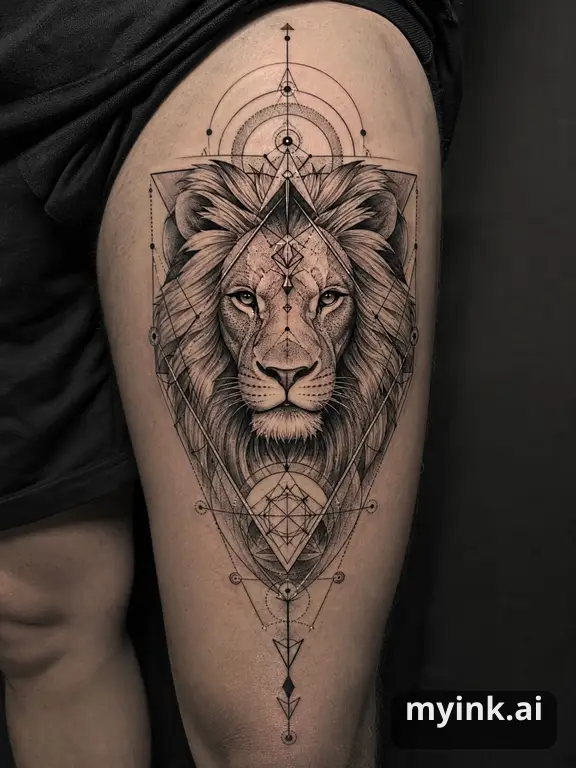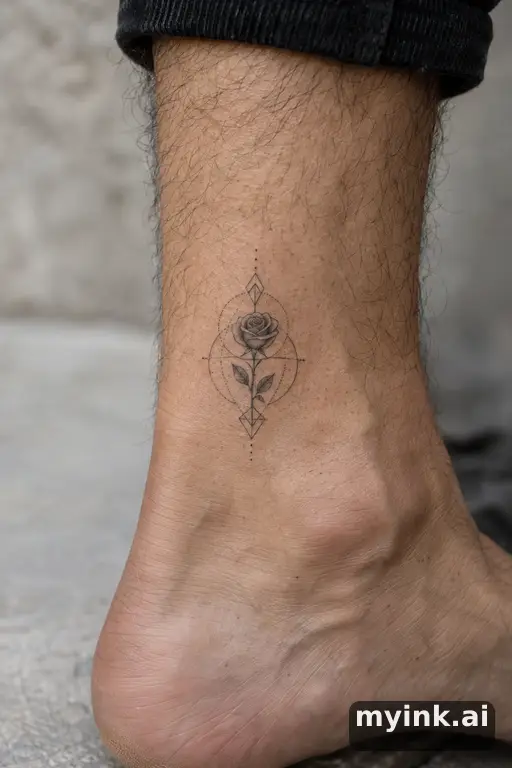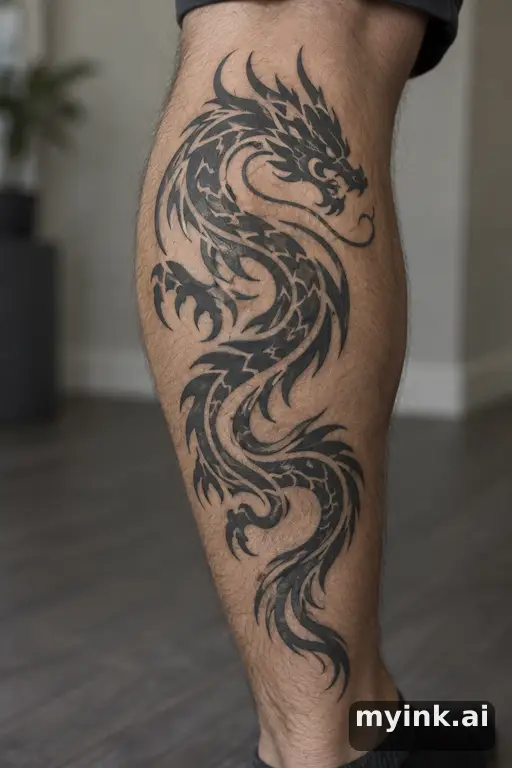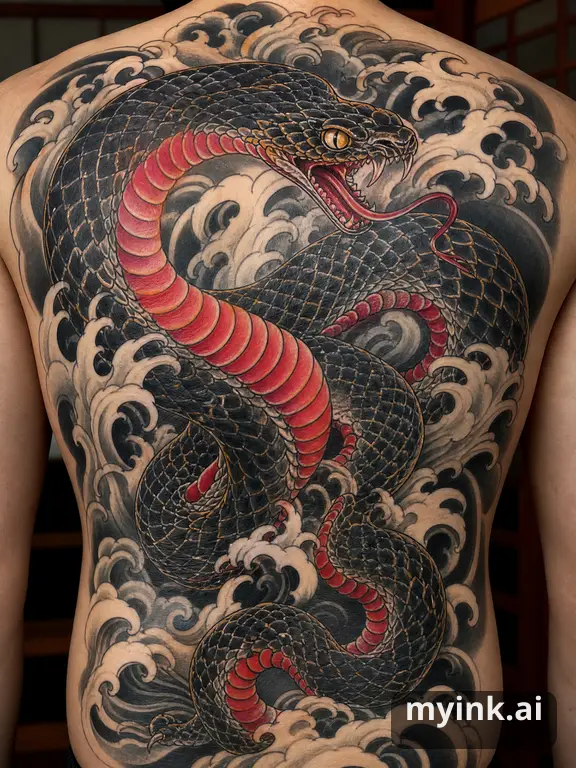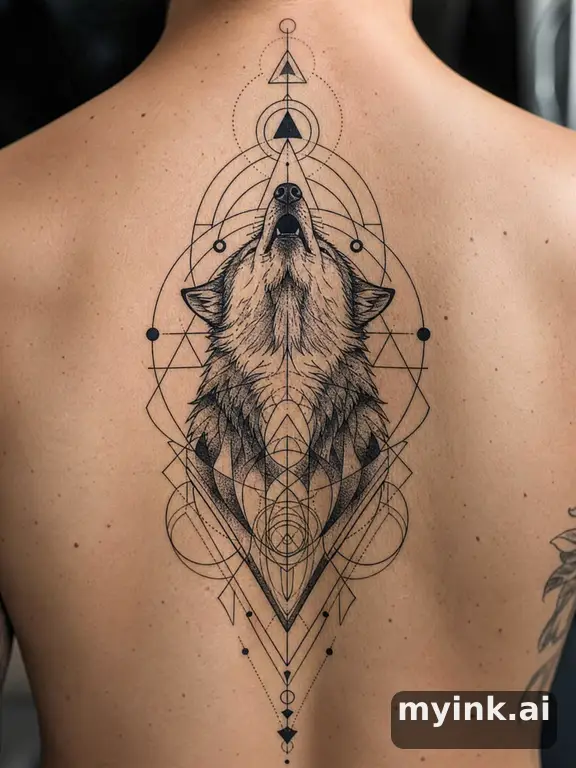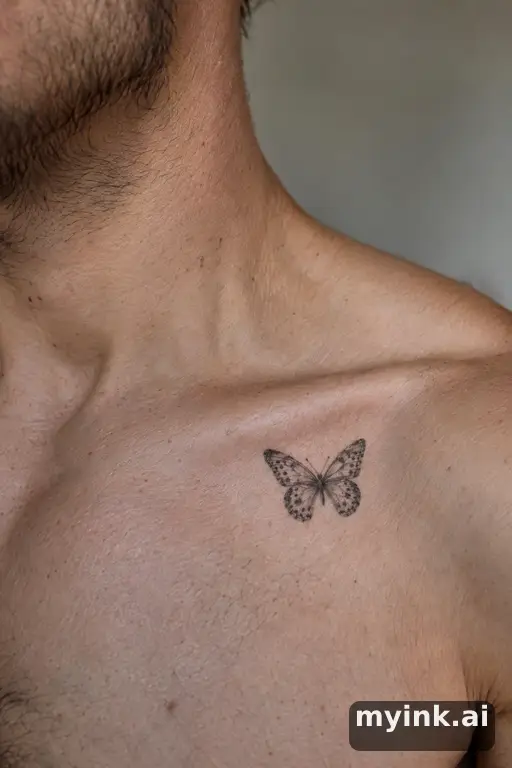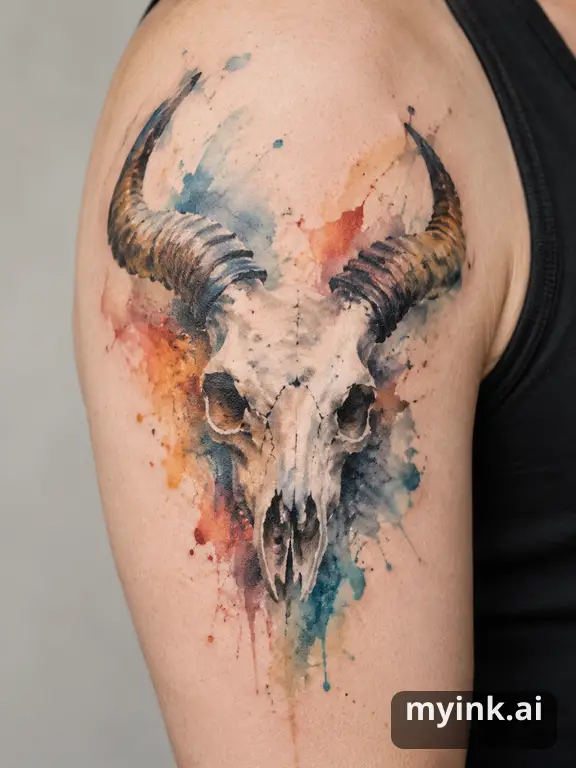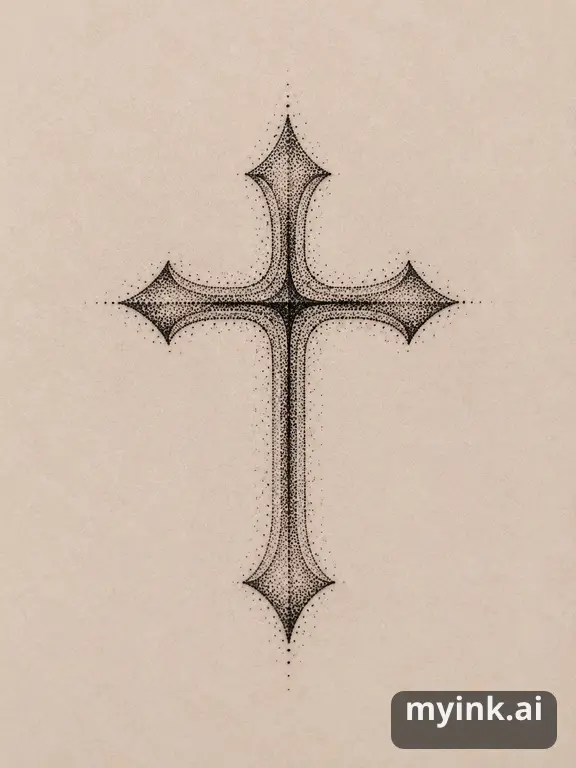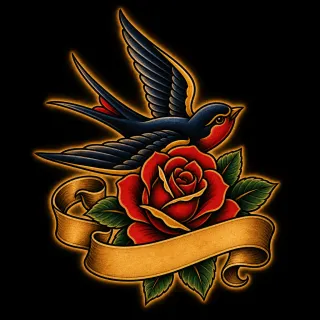
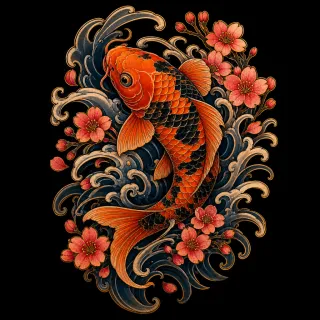
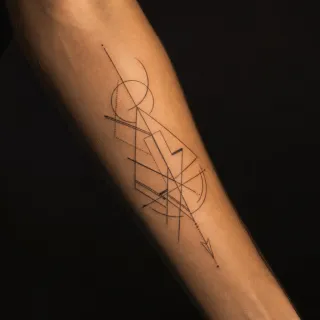
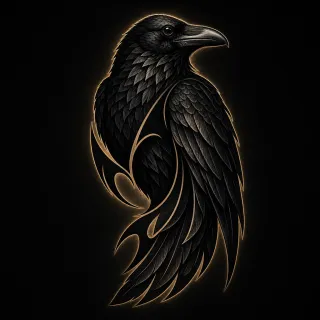
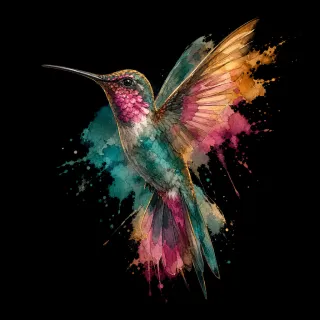
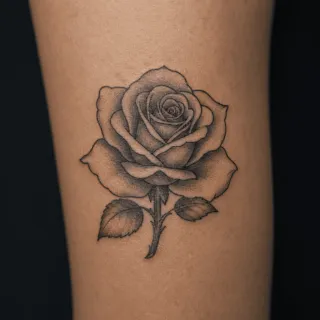
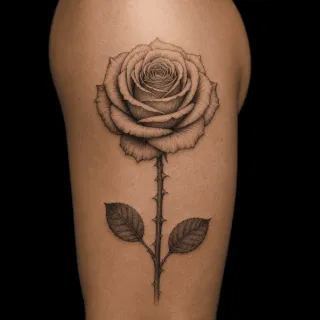
What this tattoo generator does differently
Most online tattoo generators work like a slot machine: type a few words, get an image, press again until something looks right. That is fun for a minute, but it rarely gets you to a tattoo you would wear for the next thirty years, because nothing in the loop asks what the tattoo is for.
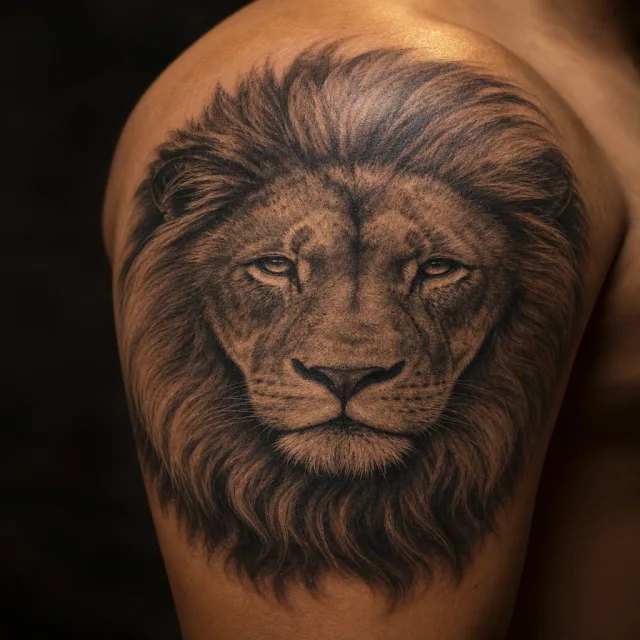
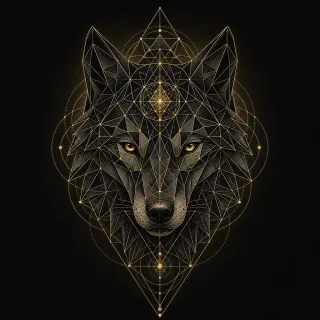
MyInk gives you a form you can edit before creating anything. Write the subject and meaning in your own words, choose a style from real image examples, and add placement, approximate size, and color if you have a preference. Text & details holds exact lettering, exclusions, and mood. Press Create once to request 4 directions that differ in symbolism and composition, not just colour; each arrives as a finished tattoo design reference.
You then work on the one that is closest. Branch it into new versions, polish the whole design, or circle one area and describe what should change there. Every version stays in the same project, so you can go back to an earlier one at any time.
What to type into the generator
Rough is fine, but a few details make the first round much more useful. The subject matters most: the animal, object, person, word or shape that has to stay recognisable. Then the reason behind it, because "a wolf for my brother" and "a wolf because I work nights" lead to very different drawings.
If you already know the style or body area, add it with the chips above or simply write it in. Continue in studio carries these choices into the form. You can change them there, compare real style examples, or leave them open. An approximate size, such as palm-sized, is a text preference rather than a guarantee of physical scale.
- "A small fine line swallow for my grandmother, inner wrist, nothing too sweet"
- "Japanese koi swimming upstream, half sleeve, black and grey with a little red"
- "Something for my first marathon, geometric, forearm, no numbers or dates"
No subject yet, or your own idea?
If you have no subject yet, start somewhere else first. The tattoo idea generator combines a motif, a style and a body placement at random and shows a real gallery design for the mix; lock the part you like and shuffle the rest. The inspiration gallery lets you browse designs by style and placement, and every style page shows what that style looks like in practice.
Once a subject feels right, bring it back here. A generator works best when it is drawing your idea, not guessing one for you.
After you generate: getting it ready for skin
An AI design is a direction, not a stencil. A tattoo artist still decides line weight, needle choice, how much detail survives at the real size, and how the piece flows with the muscle underneath. The generator's job is to get you to that conversation with a clear picture instead of a folder of screenshots.
Before you book, preview placement on a photo of your own body for 1 credit, and compare illustrative fading with the free aging simulator. Ask your artist to confirm the actual size. The free artist brief summarises style, size, placement and consultation questions, and a printable artist sheet costs 1 credit.
What it costs
Opening and filling in the studio form are free. Generation starts only when you press its Create button, which shows the number of designs and the credit cost. A round of 4 directions costs 4 credits; new accounts start with 8 free credits, enough for two rounds. Editing one area costs 1 credit and a try-on preview 1 credit. Credit packs and plans are listed on the pricing page.