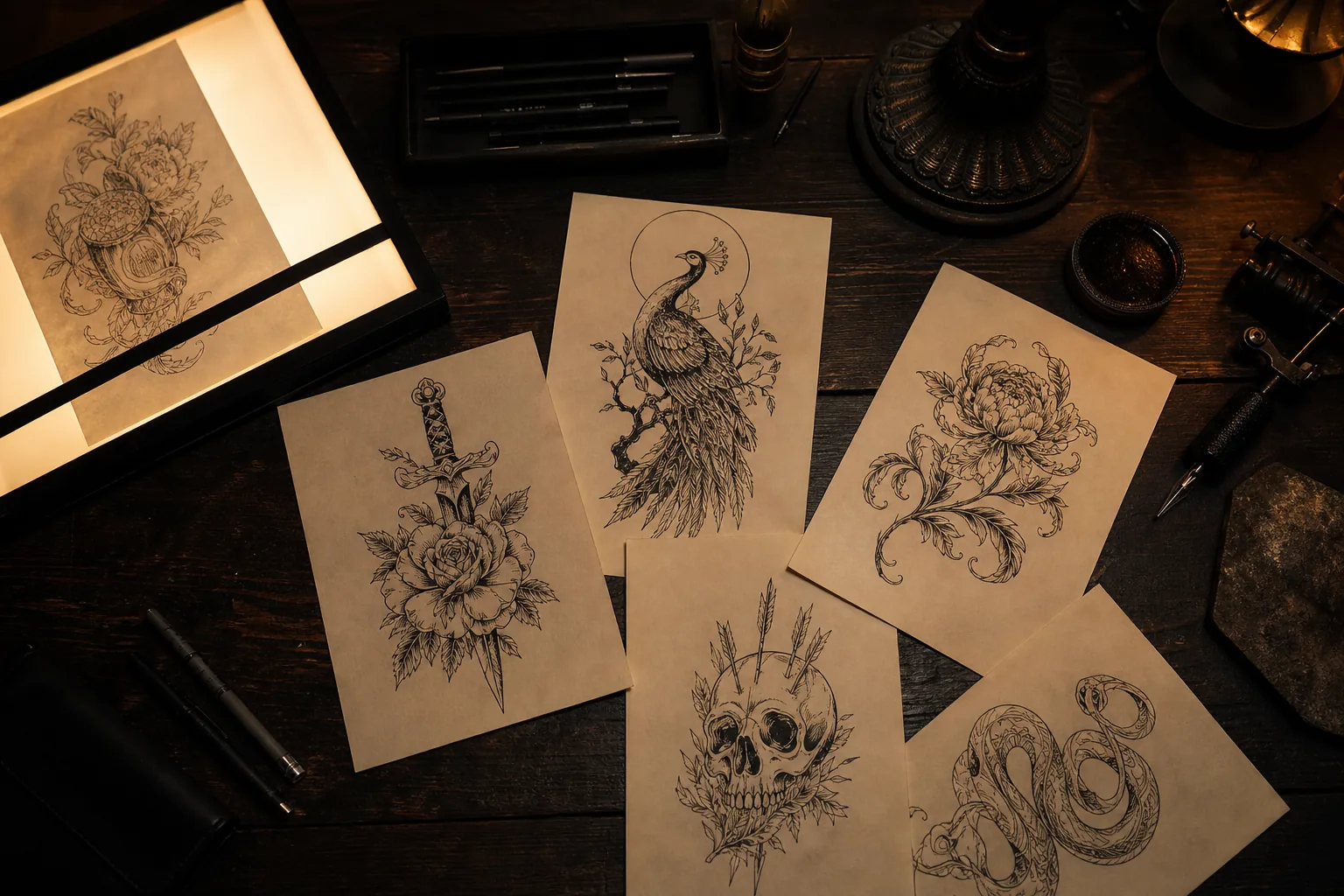
The AI Tattoo Generator built for a tattoo you’ll actually keep.






I have an idea
Open the studio4 designs per round · 4 credits. New accounts receive 8 free credits.
- Try-on See a design on a photo of your body · 1 credit per preview
- Aging simulator How a design may look after 1 to 20 years · Free with Google sign-in
- Stencil generator Clean line stencils from a design
- Tattoo font generator Preview names and words in tattoo lettering
- Artist brief & pack Hand the design to your tattoo artist · Brief free · pack 40 credits
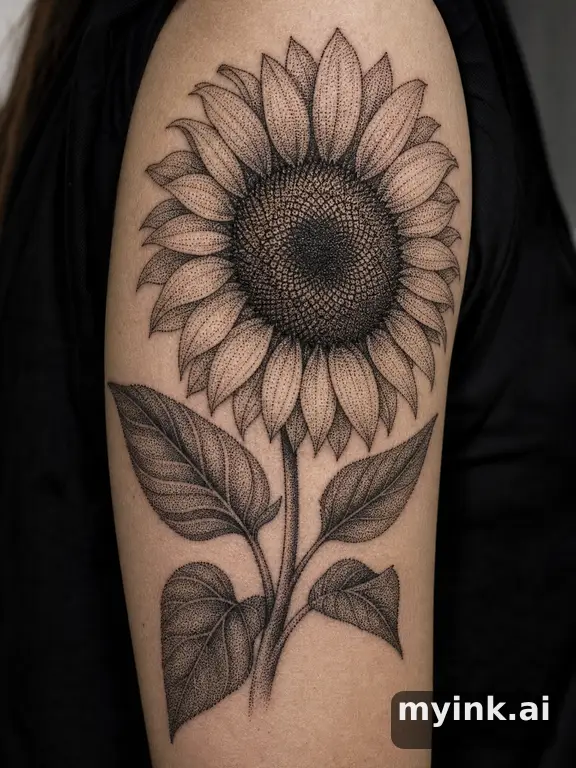
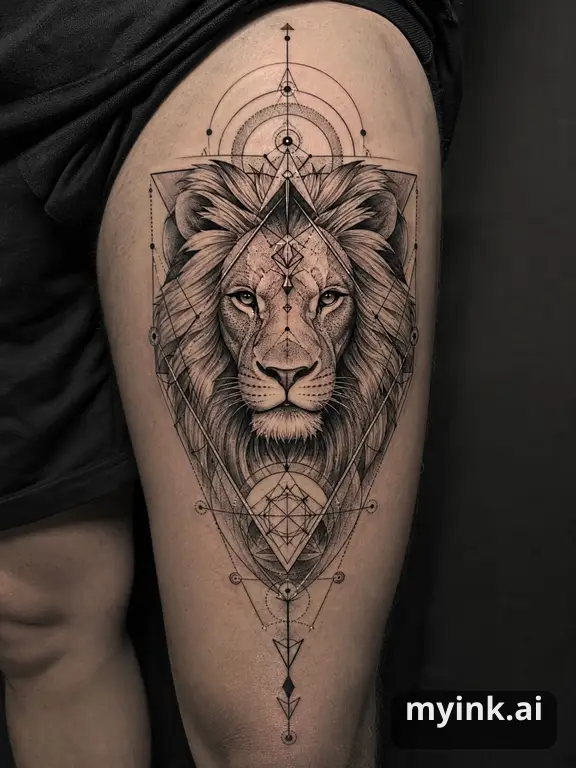
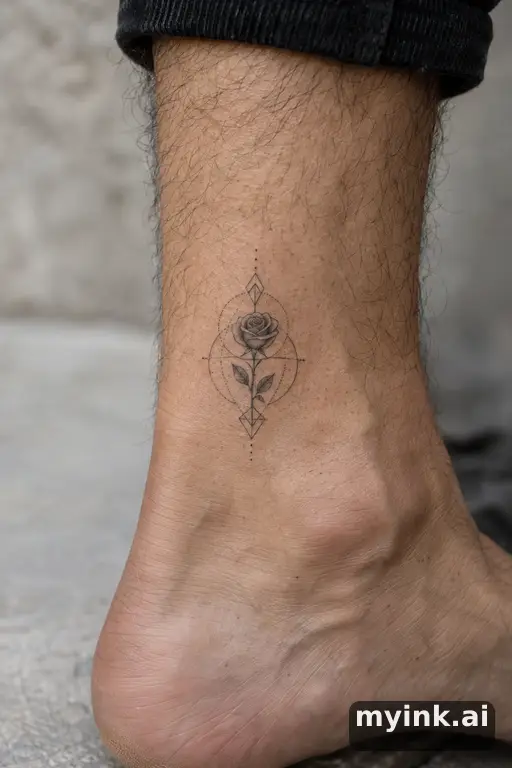
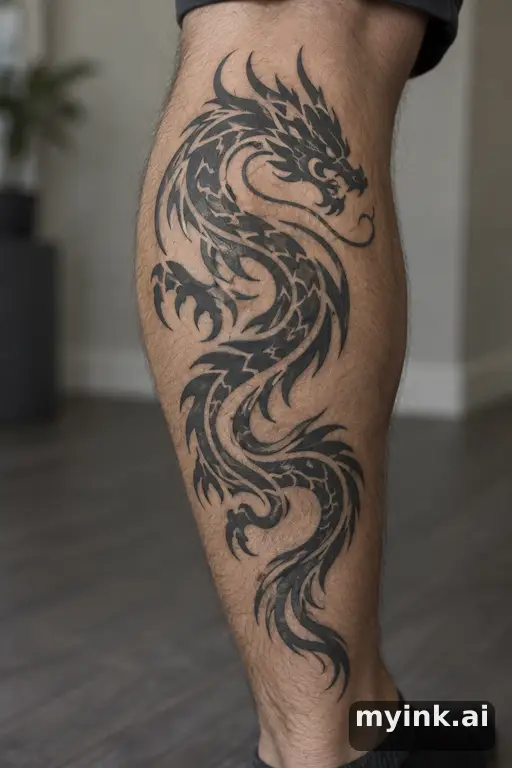
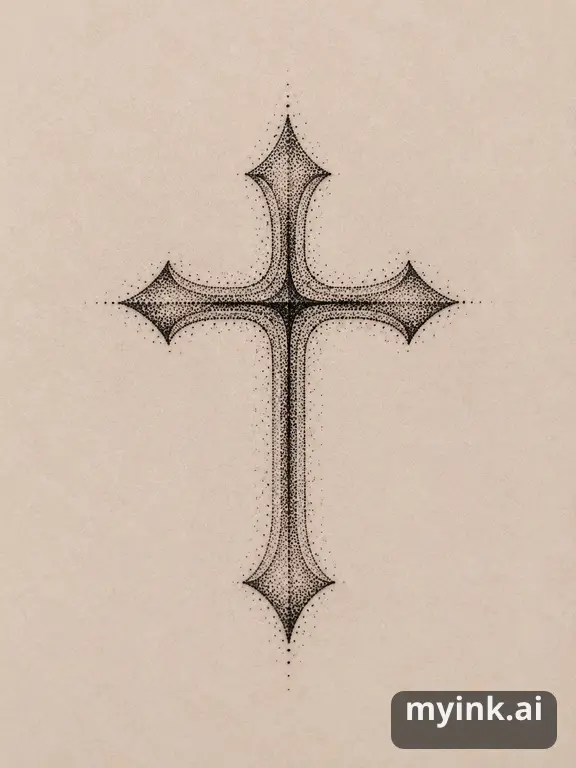
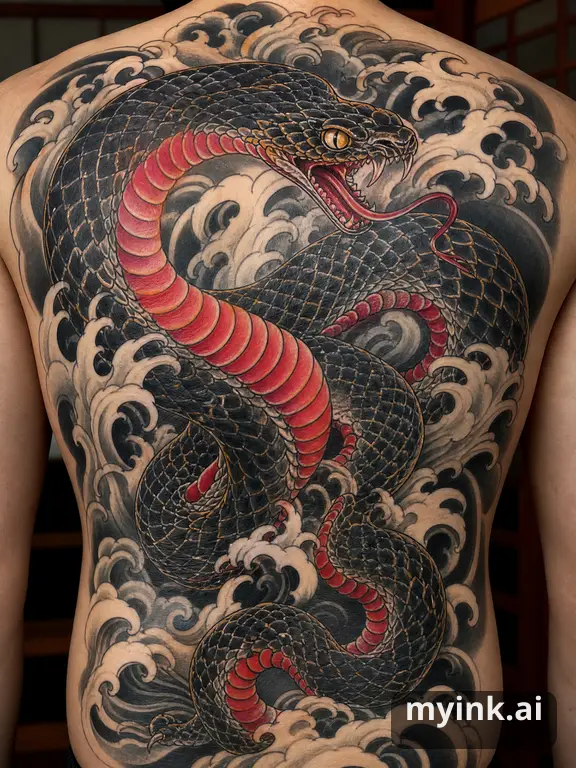
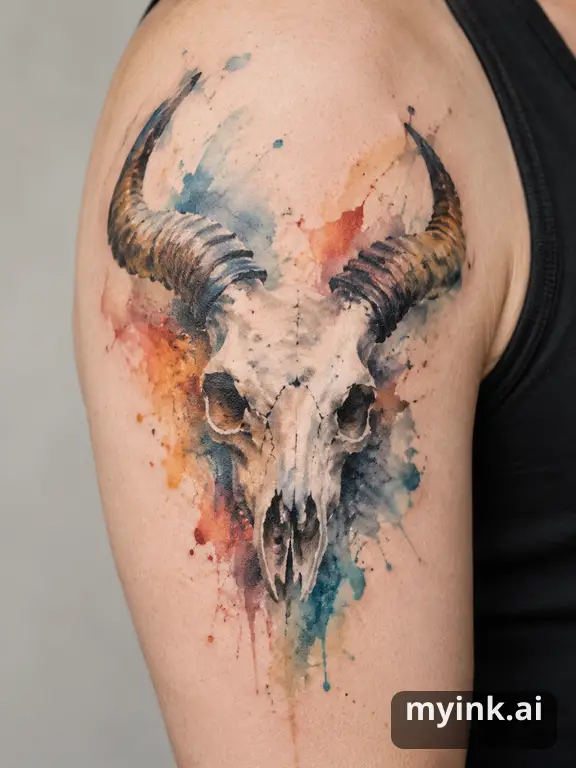
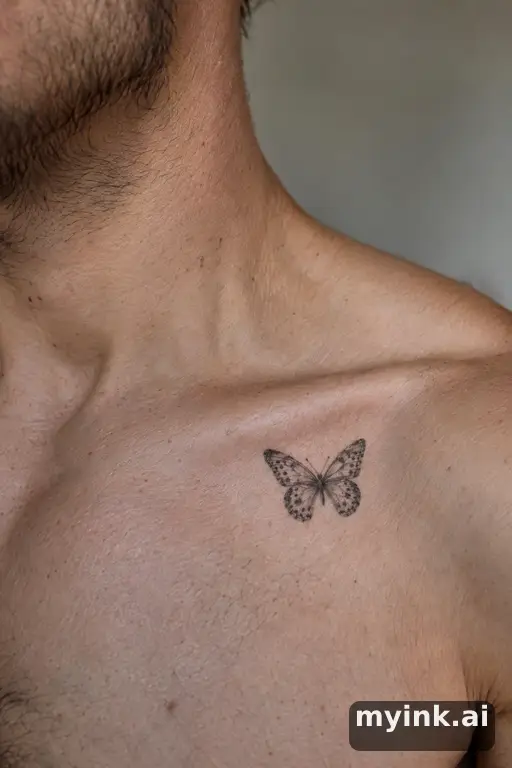
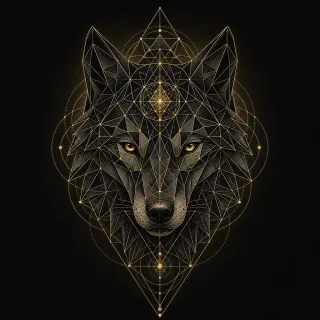
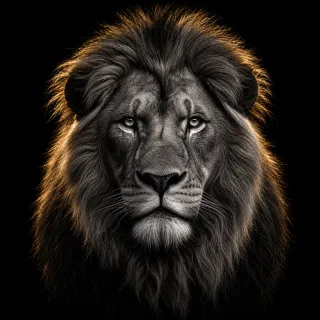
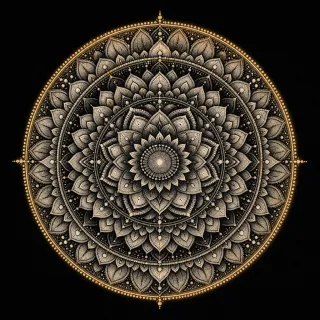
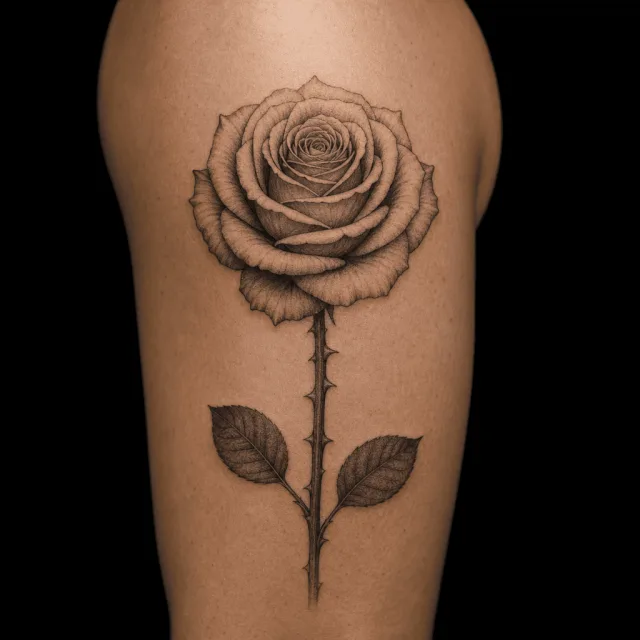
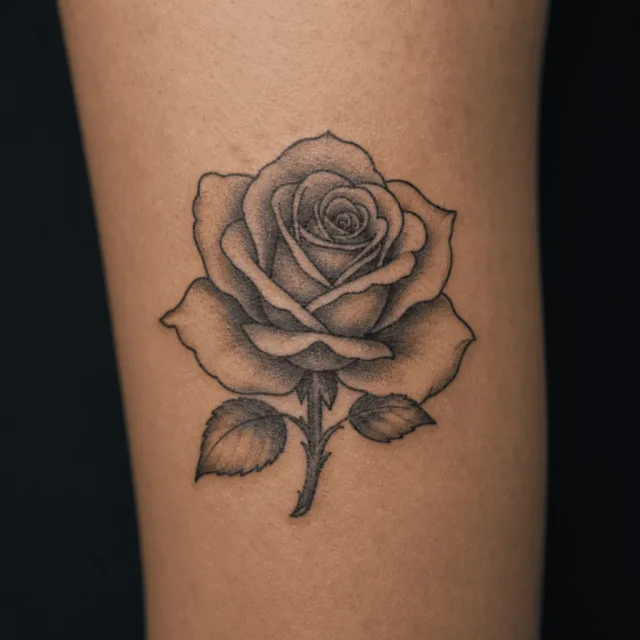
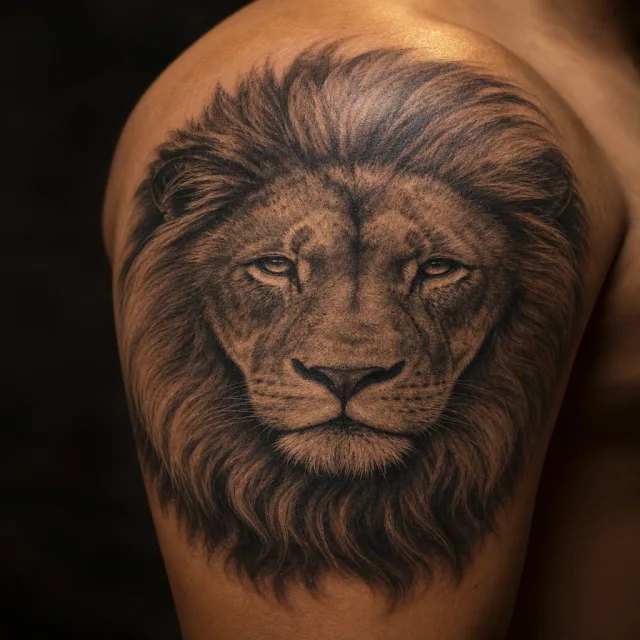
See what the AI tattoo generator creates
Real output from this studio. Nothing here is a mockup.
How the AI tattoo generator works
- Describe your tattoo idea Type the tattoo idea in your own words. Choose a style, placement, and color in the form, or leave them open. Add exact lettering and other details if needed.
- Create 4 genuinely different tattoo directions Generate 4 finished tattoo directions with different symbolism and composition for 4 credits — the 8 free credits signup balance covers 2 full rounds.
- Choose, branch, or refine Choose the closest direction, explore 4 new versions from it, or polish the whole design. Mark one area to redraw for 1 credit.
- Preview it on your skin Upload a photo of yourself and see the design placed on your body for 1 credit before committing to it.
- Get an artist-ready handoff Create a printable artist PDF for 1 credit, or upgrade to the full Artist-Ready Pack for a print-grade stencil and placement notes.

Also on iPhone and Android
- Same account and credits when you sign in with Google
- Voice input in the app
What Is MyInk.ai?
MyInk.ai is an AI tattoo generator that turns a description into custom tattoo directions. Describe an idea, compare styles, and preview the result on your actual body — all before stepping into the tattoo studio.
MyInk supports 10 curated tattoo styles, from bold Traditional and intricate Japanese to clean Minimalist and expressive Watercolor. These are design references; your artist still decides what line weight, spacing, and scale will work on skin.
The virtual try-on feature uses your own photo to preview a design on your Forearm, Shoulder, Back, or any other placement. When a direction is worth taking seriously, the artist-ready upgrade adds refined variants, stencil notes, and consultation prep for your tattoo artist.
Trusted tattoo planning resources
- American Academy of Dermatology: Tattoo Safety — Dermatologist guidance on caring for tattooed skin and recognizing skin reactions.
- Alliance of Professional Tattooists — A tattoo trade association focused on health, safety, and professional education.
- FDA: Tattoo and Ink Guidance — Information about tattoo inks, safety risks, and FDA oversight.