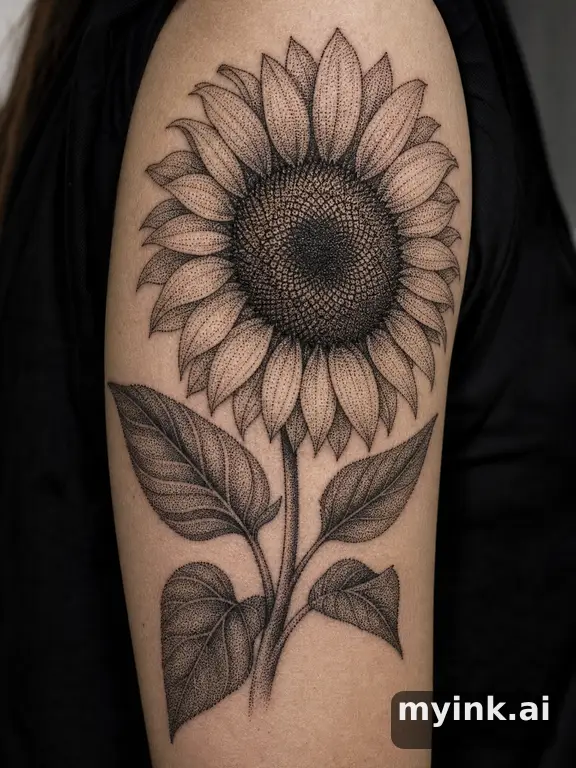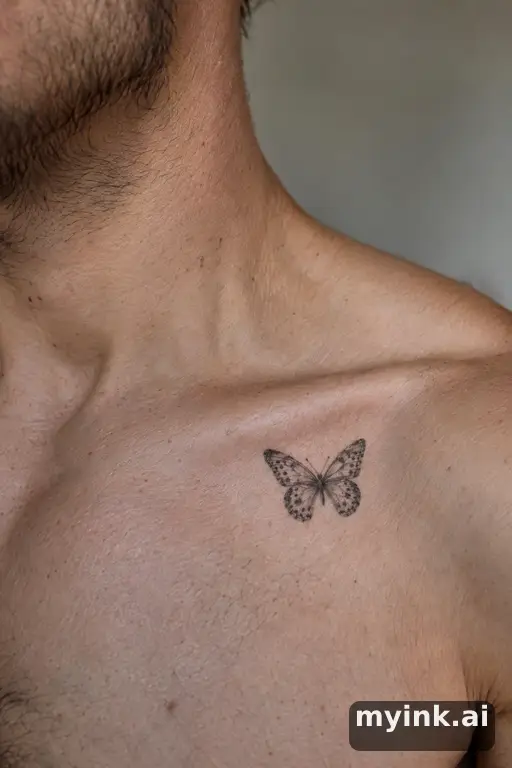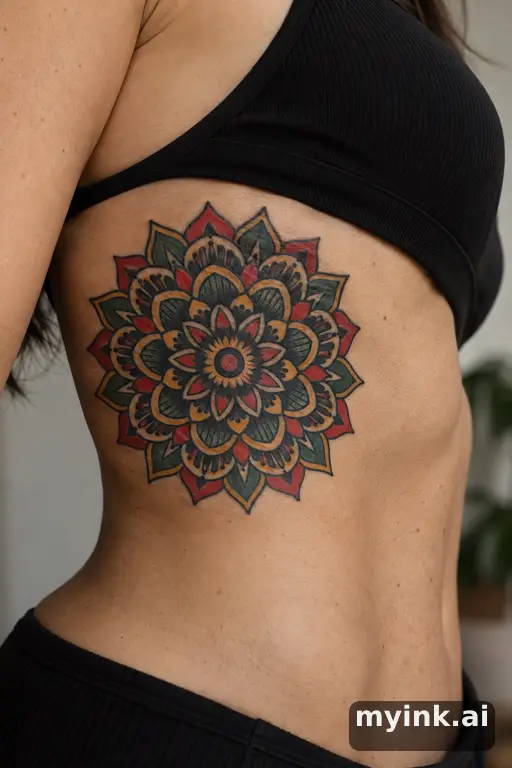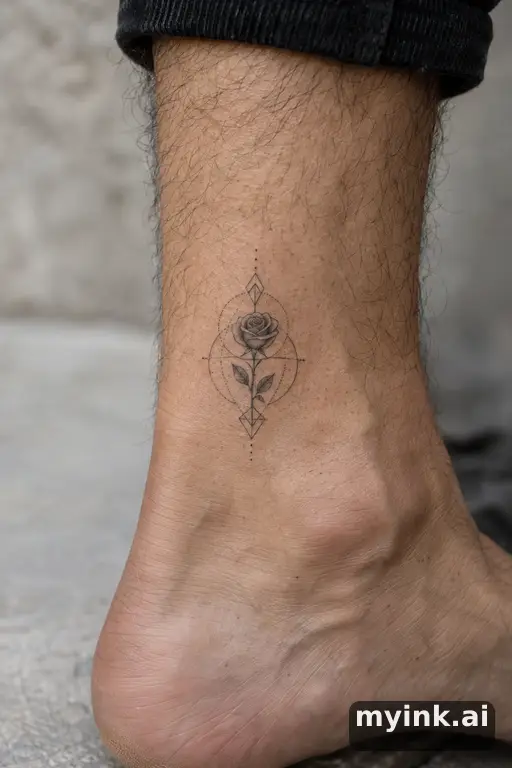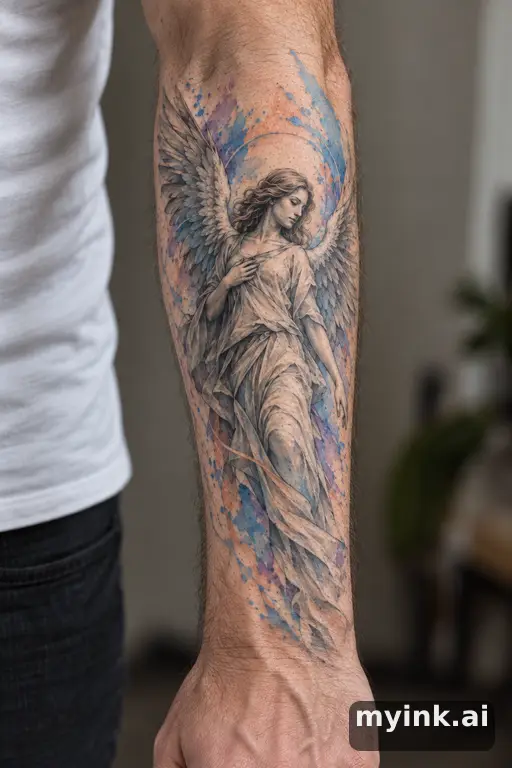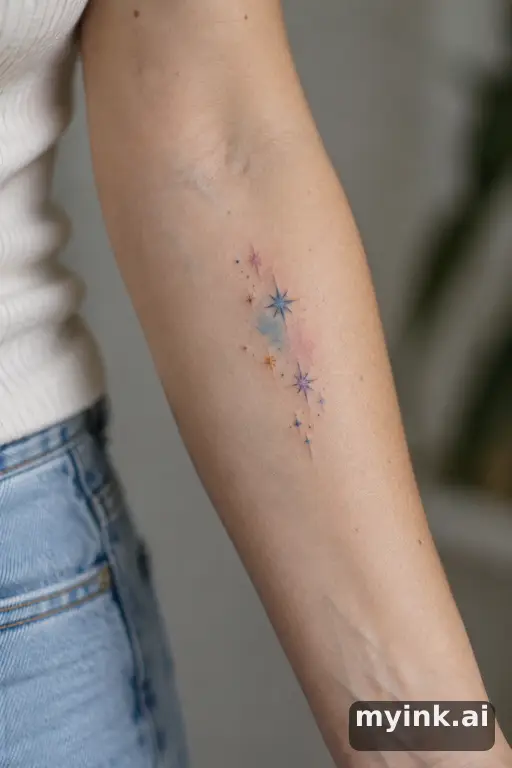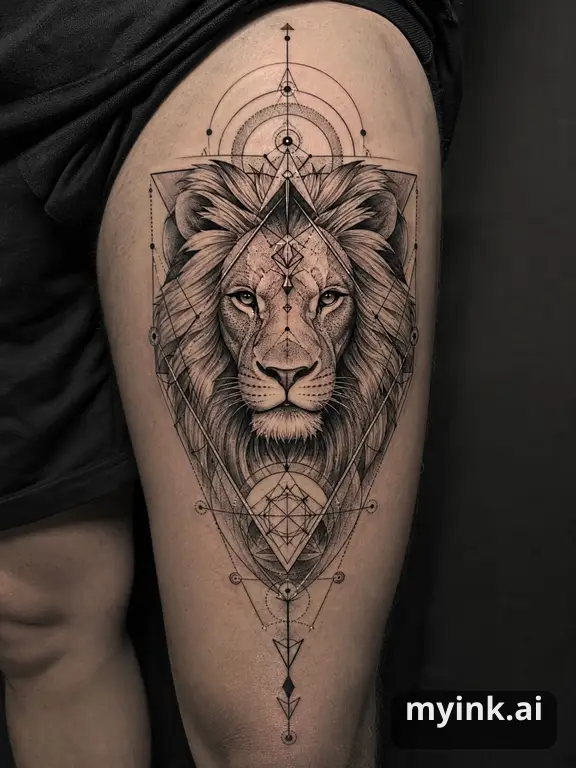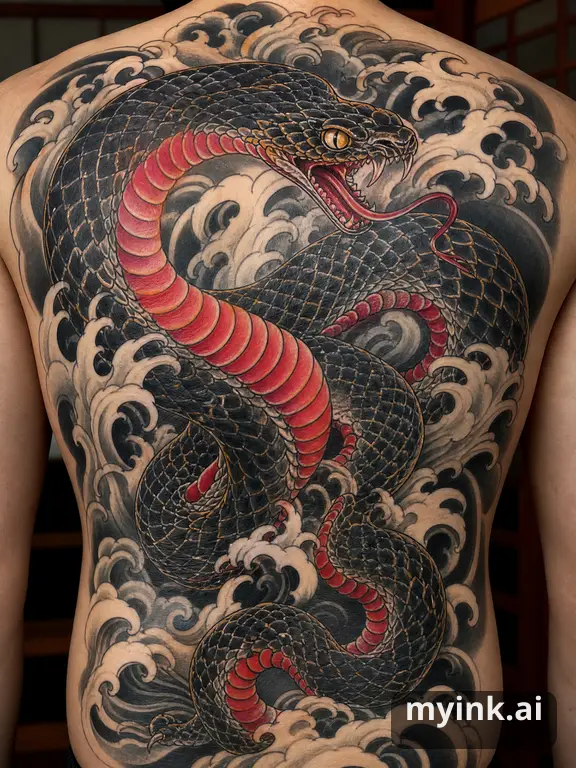
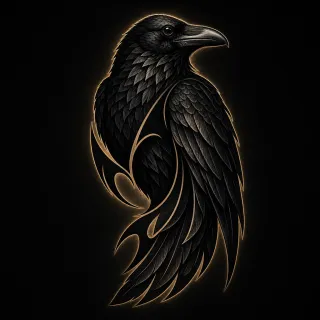
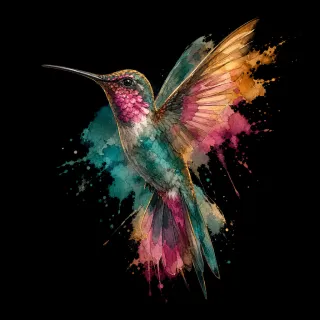
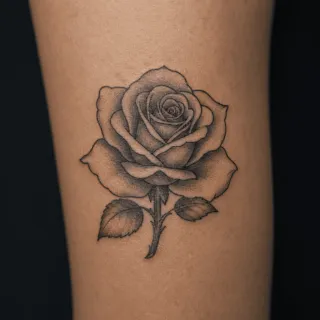
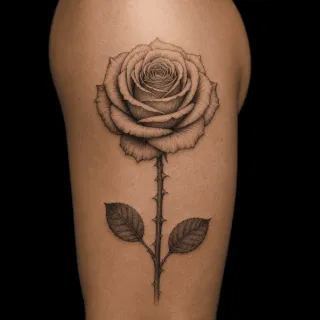
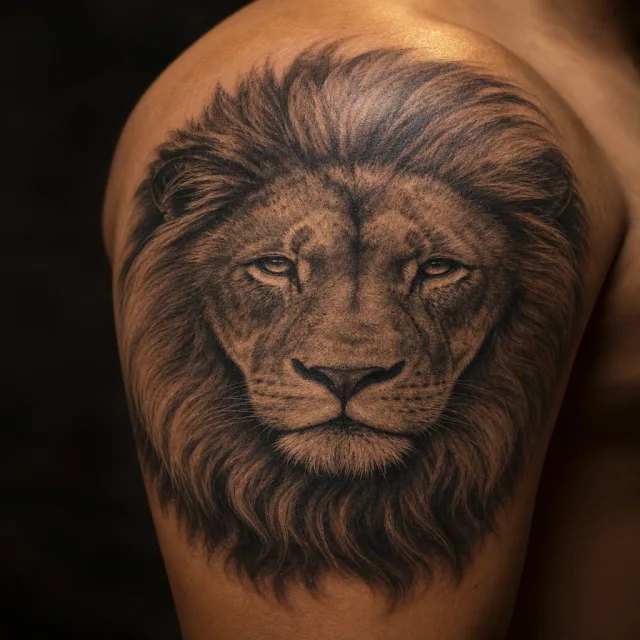


Design a tattoo, not just an image
A picture that looks good on a screen is not automatically a good tattoo. Tattoos sit on a curved, moving surface, they are viewed from a few feet away, and the ink spreads a little over the years. Good tattoo design accounts for all of that: a clear silhouette, enough space between lines, contrast that still reads at the real size, and a shape that follows the body part it sits on.
The studio puts those decisions in a direct form. Write the subject first, then choose a style, placement, and color if you know what you want. Add an approximate size to guide the design, and use exact lettering for names or dates that must stay unchanged. These preferences guide a visual reference; your artist still adapts its line weight and spacing for skin.
The five decisions behind every tattoo design
Artists tend to work through the same questions in a consultation. Settling them early saves you a redraw later:
- Subject and meaning — what has to stay recognisable, and what the piece is for.
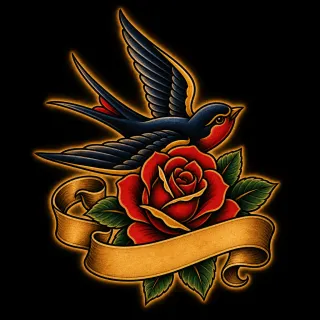
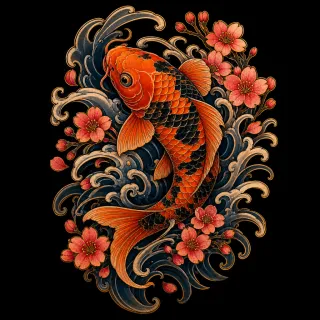
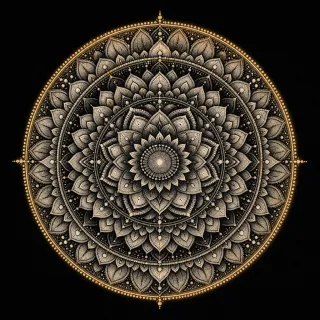
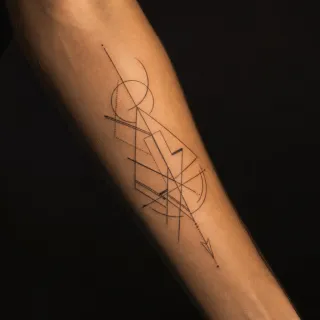
- Style — from fine line and minimalist to traditional, Japanese or blackwork; MyInk offers 10 styles and each has its own gallery page.
- Placement and flow — a forearm piece is long and narrow, a chest piece is wide, a wrist piece is small and often seen upside down by you.
- Size and detail — small tattoos need bold, simple shapes; fine detail and small lettering need room.
- Colour or black and grey — colour changes how a design ages and how much of it you will want to touch up.
How the generator handles each decision
The studio shows real examples alongside the form and uses image choices for style. Placement is a dropdown; approximate size is a short text note. Color is a single choice. Open Text & details only when you need meaning, exact lettering, things to leave out, or mood. An empty preference stays open rather than triggering a conversation or an approval screen.
When you press Create, the button states the round cost and 4 directions arrive side by side. They differ in composition and symbolism, so you are choosing a design idea, not a colour variant. From there you can branch the favourite into new versions, polish it as a whole, or circle one area — a hand, a petal, a line of text — and describe the change.
Designs that still look good in ten years
Lines soften and spread with time, especially on hands, feet and areas that see a lot of sun. Designs with clear outlines, open space and fewer tiny details usually hold their shape better than dense, delicate ones. If you are drawn to fine line or micro detail, size the piece up a little or simplify it.
Compare the free aging simulator’s illustrative stages and the try-on preview on a body photo before you book. Ask your artist to confirm the actual size and which details to simplify; the images do not predict your skin’s future appearance.
Taking your design to a tattoo artist
Bring the direction, not a demand. The free artist brief explains the style, size, placement and the questions to ask; the printable artist sheet (1 credit) prints the design with those notes. Most artists will redraw the piece in their own hand — that is a good sign, not a problem.
If a design came from someone else's tattoo, use it to explain a direction rather than to copy it. Your artist can help you make it yours.