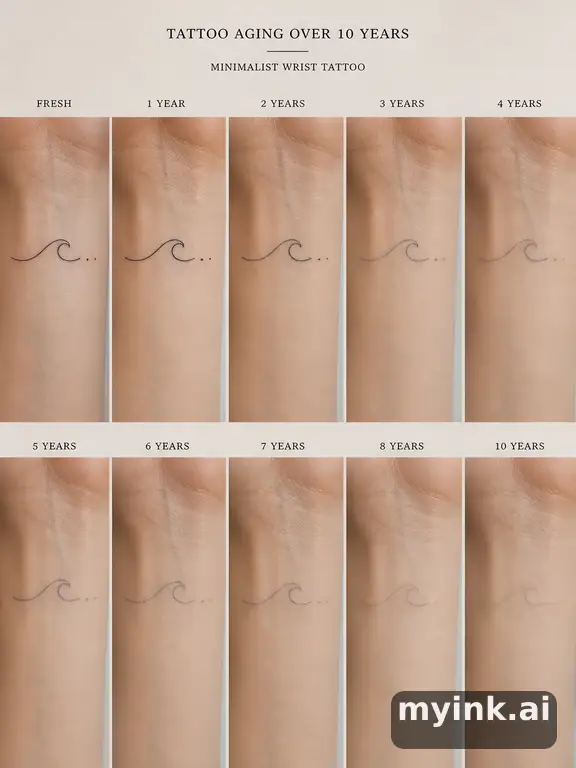
Simple Tattoo Designs — Clean, Elegant, and Timeless
Simple tattoo designs prove that less is more in body art. A clean line, a tiny symbol, or a single word can carry as much meaning as the most elaborate sleeve — sometimes more. Simple tattoos are the most popular choice for first-timers because they are affordable, quick to apply, and heal easily. But do not mistake simplicity for lack of artistry: the best simple tattoo designs require precision, restraint, and a clear understanding of how clean lines age on skin. This guide covers popular motifs, ideal placements, and an AI generator to help you create your perfect simple tattoo.
Popular Simple Tattoo Motifs
Single-Line Drawings
One continuous line creates an entire image — a face, an animal, a flower. Single-line simple tattoo designs are conversation starters that showcase elegant restraint.
Small Symbols
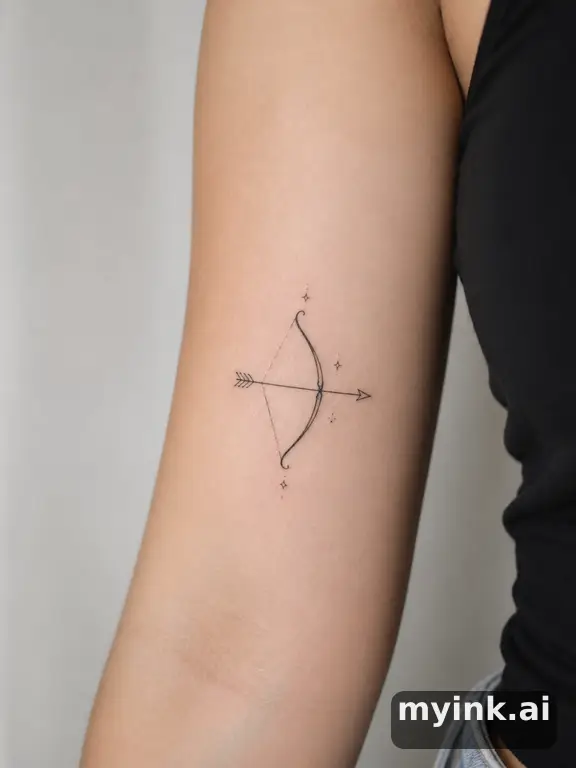
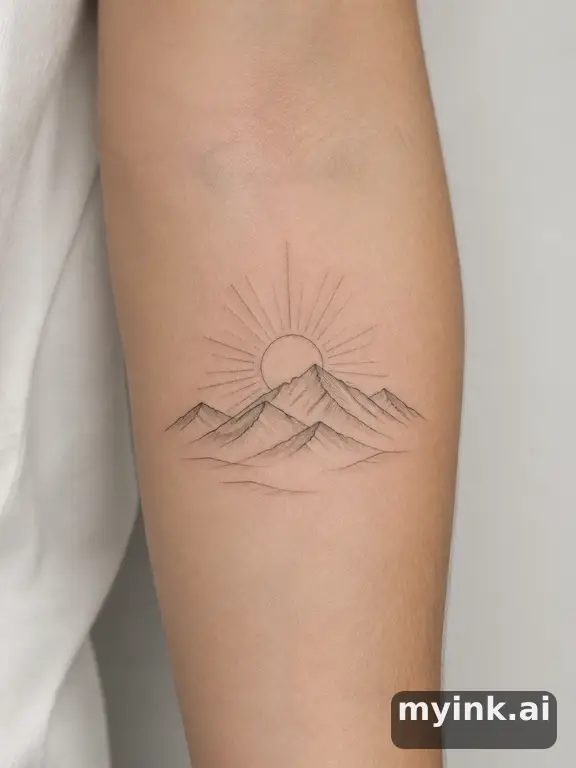
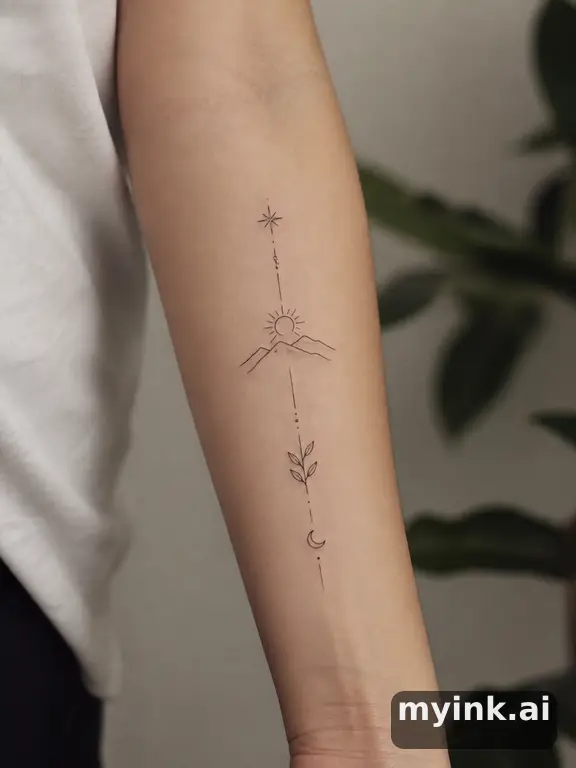
Hearts, stars, arrows, infinity signs, moons, and mountains. These micro simple tattoo designs are typically under two inches and work on almost any body part.
Tiny Botanicals
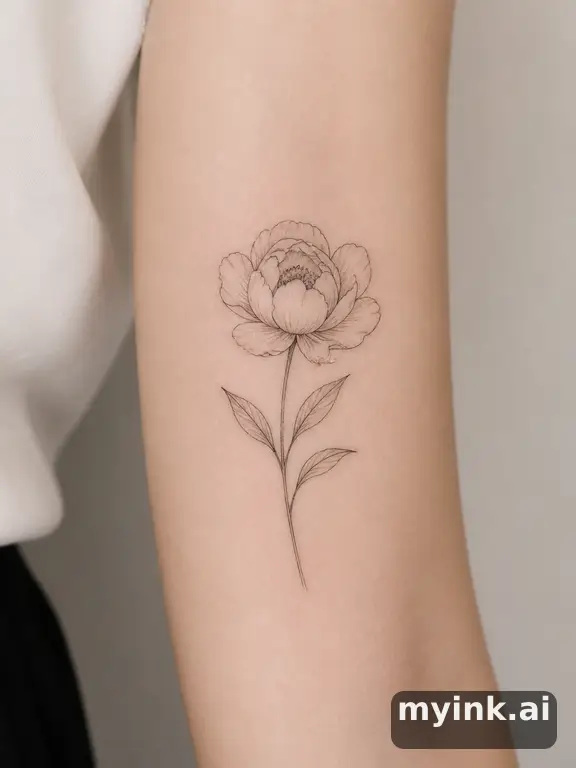
Small leaves, flower outlines, branches, and ferns rendered in fine linework. Botanical simple tattoo designs connect the wearer to nature.
Minimalist Animals
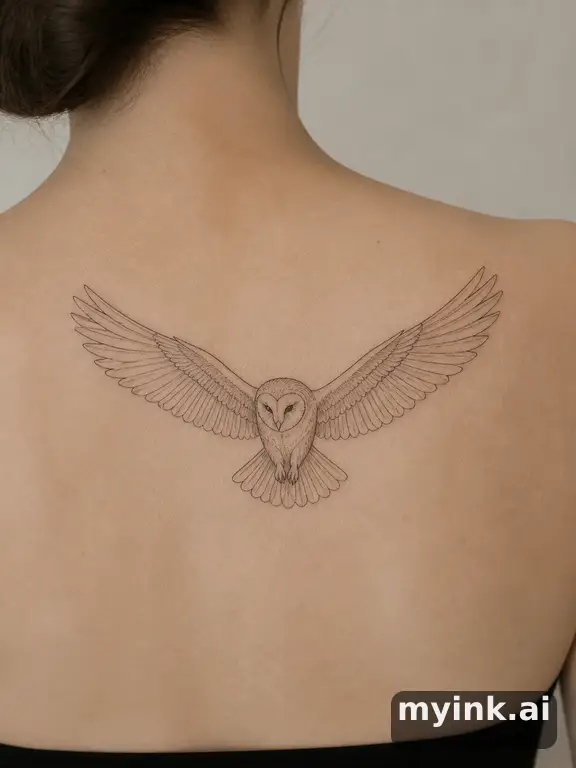
A cat silhouette, a bird outline, a tiny bee — animal simple tattoo designs capture a creature's essence in just a few lines.
Words and Phrases
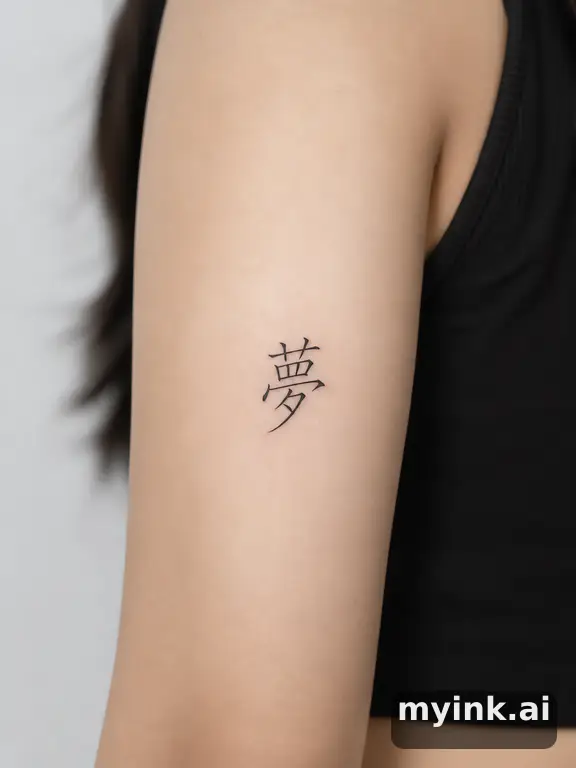
A single meaningful word, a date, coordinates, or a short phrase in clean typography. Text-based simple tattoo designs are deeply personal.
Best Placements for Simple Tattoos
Wrist and Inner Forearm
The most popular spots for simple tattoo designs. Visible, low-pain, and perfectly sized for small motifs.
Behind the Ear
A tiny symbol or word that peeks out when hair is pulled back. Subtle and intimate.
Ankle and Foot
Delicate, feminine placements for small botanicals and symbols. Foot tattoos fade faster due to friction.
Finger
Rings, tiny symbols, and single words. Finger simple tattoo designs are trending but require touch-ups as they fade faster than other placements.
Collarbone
A short word or small motif along the collarbone creates an elegant, visible statement.
Why Simple Tattoos Age Well
Line Weight Matters
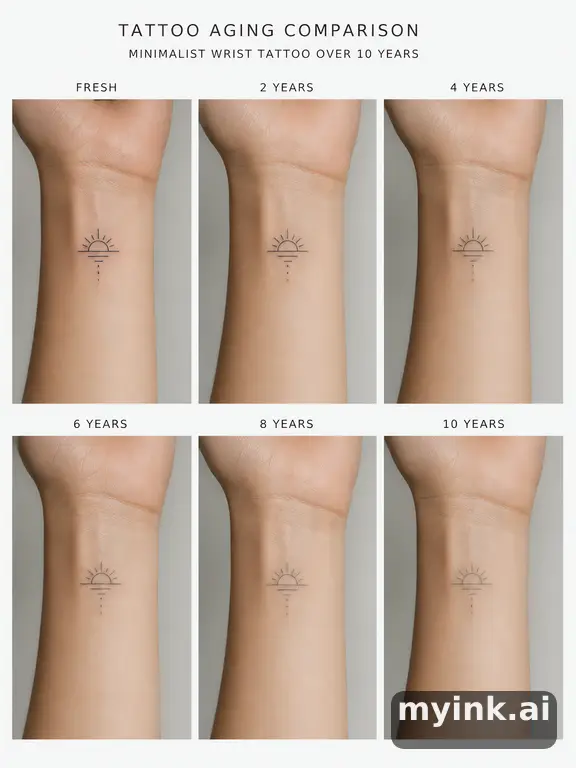
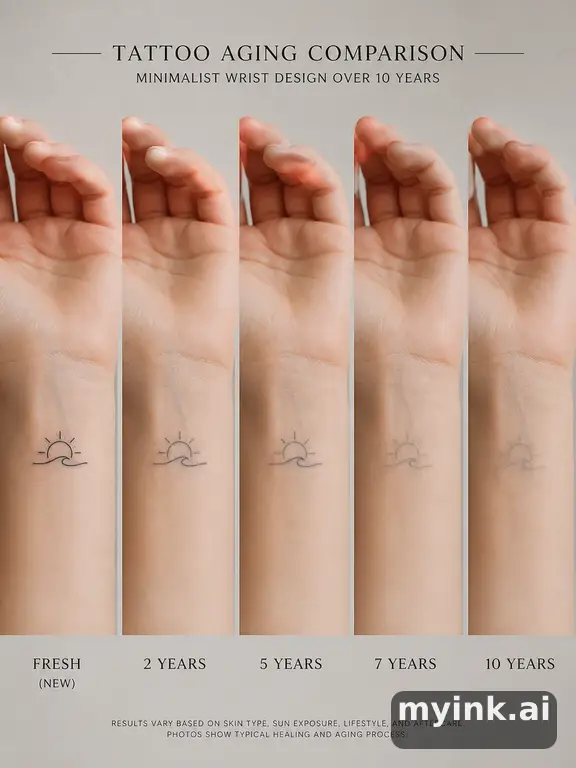
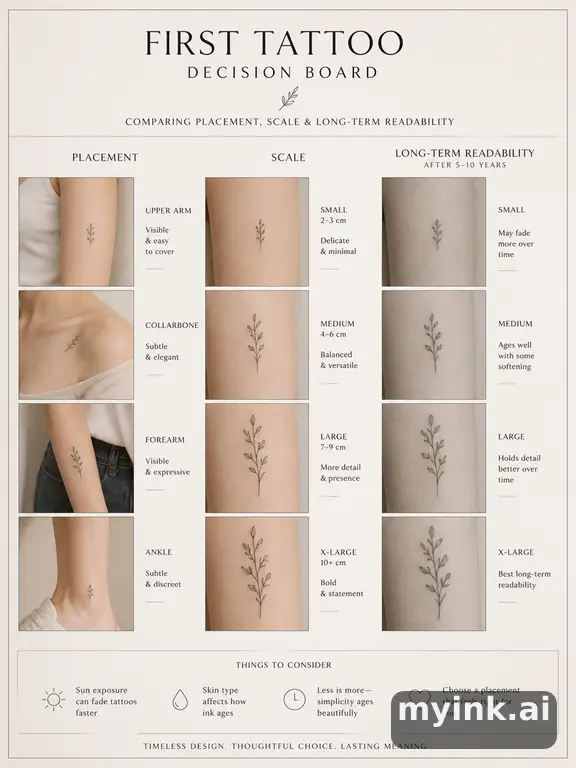
Simple tattoo designs with slightly bolder line weight (0.5mm+) maintain crisp edges for years. Ultra-fine lines below 0.3mm may blur over time.
Spacing and Negative Space
Designs with adequate spacing between elements prevent lines from merging as skin naturally changes. Good simple tattoo designs account for this from the start.
Sun Protection
UV exposure is the primary cause of tattoo fading. Simple black-ink designs hold up best, but all tattoos benefit from sunscreen after healing.
Generate Your Custom Simple Tattoo with AI
Open the studio with this idea pre-loaded, choose a style, and generate your design in seconds.
Open the Studio →Simple Tattoo Inspiration Gallery
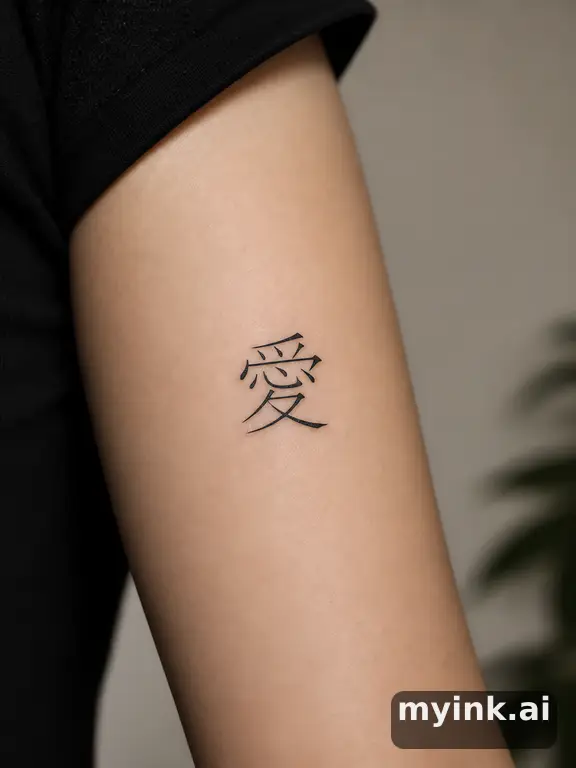
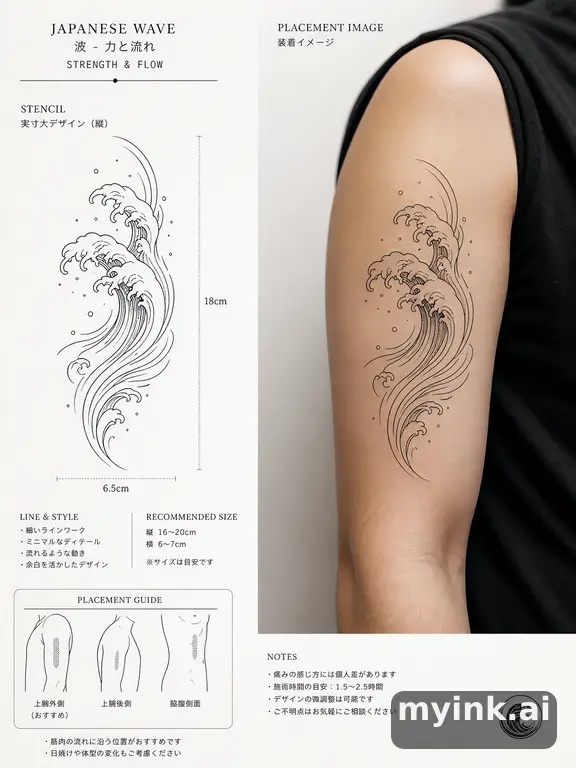
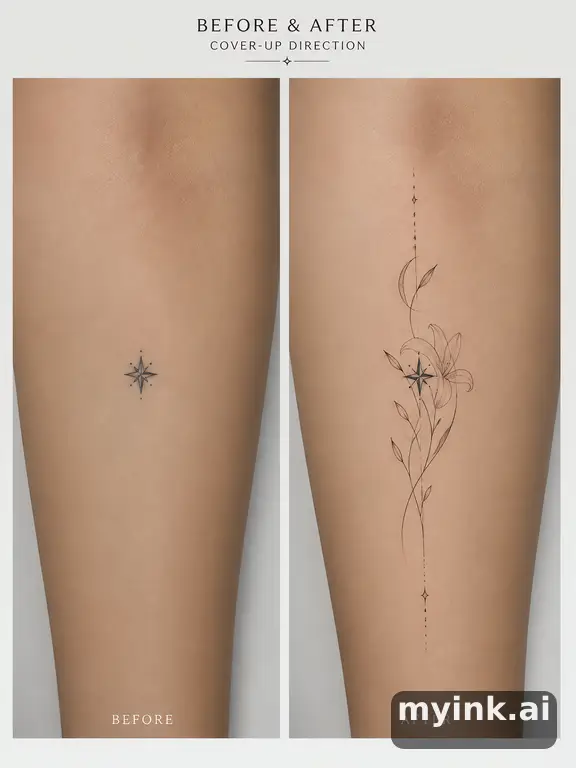
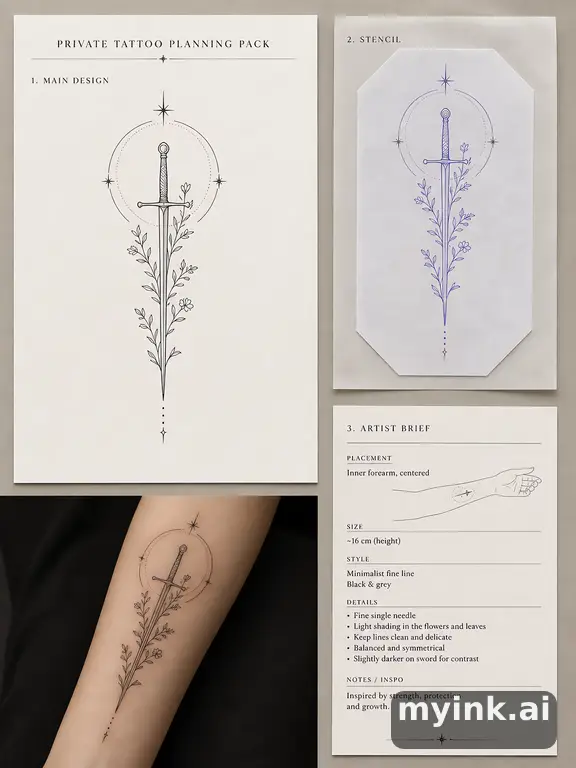
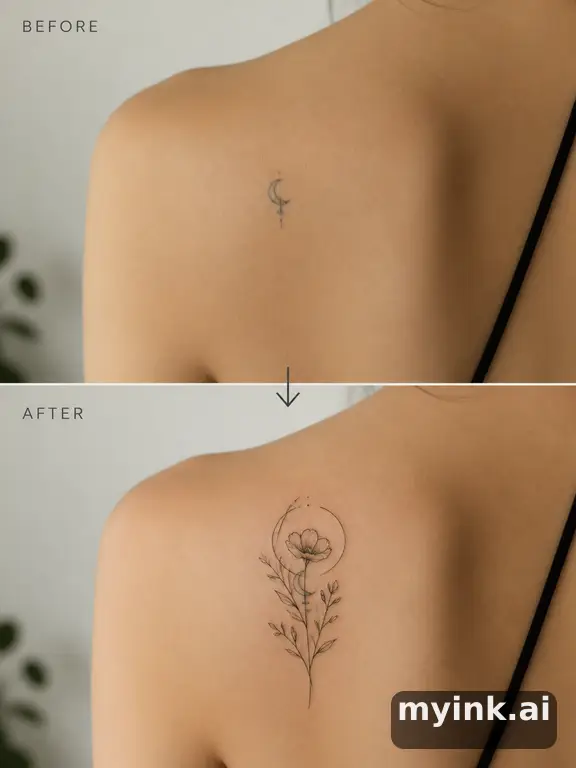
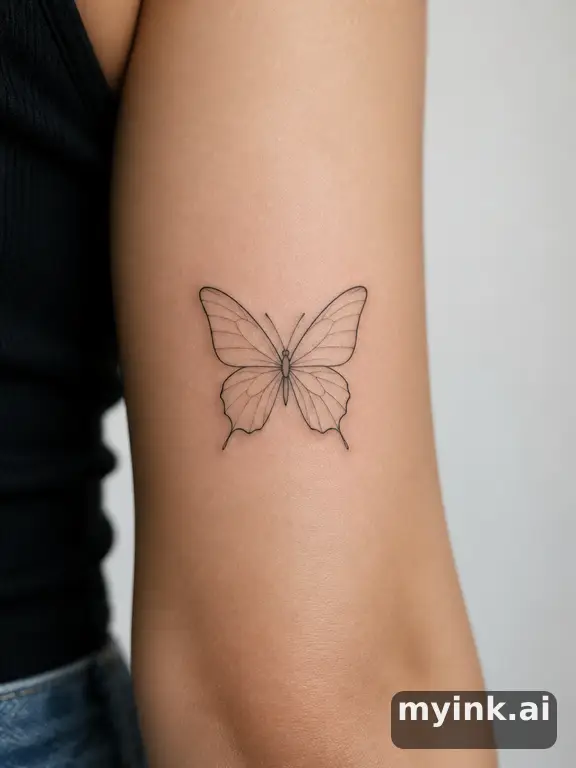
AI-generated simple tattoo designs across multiple styles. Click any design for details.
















Simple Tattoo FAQ
What is a good first tattoo design?
Simple tattoo designs are ideal for first-timers. Small symbols, single-line art, and short text are quick, affordable, and low-pain. Start with a design that means something to you.
Do simple tattoos cost less?
Generally yes. Simple tattoo designs take less time — expect $50-200 for small pieces. Most shops have a minimum charge of $50-100 regardless of size.
How long do simple tattoos take?
Most simple tattoo designs take 15-45 minutes. Tiny symbols can be done in under 15 minutes, while more detailed minimalist pieces may take up to an hour.
Do small tattoos fade faster?
Size does not determine fading — line weight and placement do. Simple tattoo designs with adequate line weight on low-friction areas like the forearm hold up well for years.
Can I generate simple tattoo ideas with AI?
Yes! Our AI generator excels at simple, clean designs. Try prompts like 'minimalist mountain outline' or 'tiny botanical sprig' to see instant results.
Related Tattoo Designs
Butterfly Tattoo Designs
Discover 80+ butterfly tattoo designs from minimalist outlines to bold watercolo...
Name Tattoo Designs
Design beautiful name tattoos with 50+ font styles. From elegant scripts to bold...
Flower Tattoo Designs
Browse flower tattoo designs from wildflowers to bold botanical pieces. Ideas fo...
Rose Tattoo Designs
Explore 100+ rose tattoo designs from minimalist single-line to realistic shaded...
Create Your Perfect Simple Tattoo
Start with 8 free credits for one full design set. Preview on your body before your appointment.
How to Use an AI Tattoo Preview Before You Book
MyInk is most useful when the output is treated as a planning reference, not a finished tattoo appointment file. Start with the idea you want to test, choose a style that has a real tattoo tradition behind it, then review whether the design can survive on skin at the size and placement you have in mind.
A strong tattoo preview should have one clear subject, readable contrast, and enough negative space for the design to age. Tiny lettering, hairline detail, crowded symbols, soft watercolor edges, and low-contrast color combinations can look beautiful on screen while becoming hard to read after healing and years of sun exposure.
Placement changes the design. A forearm can carry vertical compositions and readable symbols. Ribs and chest placements need more attention to pain, breathing movement, and body curvature. Fingers, hands, and wrists fade faster because the skin moves, washes, and rubs more often. The preview should help you see those tradeoffs before you pay a deposit.
Use the generator to create directions, then narrow to one or two realistic options. Save the prompt, style, placement, and reference image. That record gives your artist a clearer starting point than a folder of unrelated screenshots and helps prevent last-minute design confusion at the consultation.
An artist still needs to redraw, resize, and adapt the concept. Tattooing is not the same as printing an image on skin. Line weight, stencil clarity, needle grouping, skin tone, body movement, and healing all affect the final result. Treat any AI image as a brief for discussion, not a file to copy without judgment.
Be especially careful with memorial, cultural, religious, medical, or partner-name tattoo ideas. Those designs carry meaning beyond aesthetics, so the right workflow includes a pause: check the spelling, symbolism, cultural context, and long-term emotional fit before turning a preview into a permanent mark.
If a page only gives you a pretty image, it has not answered the important question. A useful tattoo planning page should explain who the idea suits, where it works, what might age poorly, what to ask an artist, and when a safer variation would be smarter.
Before booking, compare the design at phone size, full screen, and roughly the real size on your body. If the main shape disappears when small, simplify it. If the design relies on fragile detail, make it larger or choose a bolder style. If the meaning feels unclear, revise the concept before you involve an artist.
Best fit
Early tattoo ideation, style comparison, placement preview, cover-up exploration, memorial concept drafting, and preparing a clearer brief for an artist.
Poor fit
Copying another artist's work, replacing professional stencil preparation, guessing cultural meaning, or choosing a permanent tattoo from a single unreviewed image.
Before using
Check meaning, size, placement, contrast, aging risk, spelling, artist feasibility, and whether the design still feels right after a short waiting period.
Tattoo Planning Checklist
Decide the role of the tattoo first. A decorative piece can be judged by visual strength, fit, and longevity. A memorial or symbolic piece needs a second layer of review: spelling, dates, cultural meaning, emotional timing, and whether the symbol will still feel right when the current life moment has changed.
Check the design at real size. A beautiful full-screen image can fail when reduced to a three-inch wrist tattoo. If the subject, lettering, or secondary symbols become hard to read at actual size, the concept needs fewer details, heavier line weight, more open spacing, or a larger placement.
Compare the style with the body area. Traditional, blackwork, and neo-traditional designs usually tolerate aging better because they use stronger outlines and contrast. Fine-line, watercolor, and tiny geometric pieces can be excellent, but they need careful artist selection, realistic sizing, and acceptance that touch-ups may be part of ownership.
If you are planning a cover-up, be even more conservative. A cover-up has to solve the old tattoo's darkness, shape, and location before it can become a new design. The AI preview can help explore directions, but a cover-up artist must judge what is possible on the existing skin.
Use try-on previews to test placement honestly. Rotate, scale, and compare the idea on the intended body part. A design that looks balanced on a flat screen may distort around elbows, ribs, wrists, shoulders, knees, or fingers. The goal is not a perfect simulation; the goal is catching obvious placement mistakes early.
Before sending anything to an artist, write a short brief: subject, style, placement, approximate size, meaning, colors to use or avoid, and any symbols that must stay out. Add one or two generated references, not twenty. A tight brief gives the artist space to create original work while preserving your intent.
Avoid treating a generated image as proof that a tattoo is safe, culturally appropriate, or technically ready. Ask a professional about stencil clarity, line weight, skin tone, placement movement, and healing. The better the AI-assisted planning, the easier that expert conversation becomes.
If the design still feels right after a short waiting period, the next step is a real consultation. If it stops feeling right, that is a useful result too. The safest tattoo planning workflow helps you avoid weak ideas as much as it helps you find strong ones.
What Makes a Preview Useful
A useful preview answers a specific decision question. On an aging page, the question is whether contrast and line weight will survive. On a meaning page, the question is whether the symbol says the right thing without becoming too crowded. On a cover-up page, the question is whether the new design can realistically hide the old shape. On a pack page, the question is whether the concept is ready for an artist handoff.
The best pages therefore combine image exploration with judgment. They explain what the design is good for, where it may fail, what to ask an artist, and which details should be simplified before the tattoo becomes permanent. This is the difference between browsing tattoo images and actually preparing for a safer appointment.
If the output feels close, do not keep generating randomly. Change one variable at a time: style, placement, size, subject, color, or amount of detail. Comparing focused variations helps you see which part of the idea is strong and which part is creating risk.
A tattoo preview should also make refusal easier. If the design looks wrong on the body, feels too tied to a temporary emotion, depends on detail that will not age, or needs a placement you are not comfortable wearing, stop there. Avoiding the wrong tattoo is a successful planning outcome.
Handoff examples should be judged by clarity. A useful example explains the concept, shows the chosen direction, gives the artist enough context, and leaves room for the artist to redraw instead of forcing a copied AI image. If the handoff would confuse a professional, the design is not ready yet.
Guide pages should help with the questions that sit around the image: what to prepare before a first tattoo, how to think about aftercare, when numbing cream needs artist approval, and how to avoid using pain or urgency as the only decision filter.
Sample handoff pages should be especially concrete. They need to show how a chosen direction supports an artist conversation, what still needs professional review, and when a user should keep refining the same Studio project.
When a page helps someone ask a better question before the needle touches skin, it has done real work for both searchers and future clients.
That is why the planning pages emphasize clear briefs, readable designs, realistic sizing, and artist review instead of treating image generation as the final step.
If a sample cannot explain that handoff clearly, it should be revised before publishing.
Clear handoffs reduce appointment friction.
They also reduce revision waste later.